
Download SQLite Password Recovery – Recover SQLite Database Password, Recover Lost SQLite Password, Recover Password from SQLite
Overview
SQLite Password Recovery, developed by VSPL, is a specialized utility designed for users who have lost access to their SQLite databases due to forgotten or corrupted passwords. This tool addresses a critical pain point in data management—recovering access to encrypted SQLite files without compromising data integrity. It is particularly useful for developers, database administrators, and technical users managing sensitive or mission-critical information stored in SQLite databases.
The application is tailored for individuals who rely on SQLite for local data storage in desktop applications, mobile backends, or embedded systems. In scenarios where a password is lost or not documented, this software offers a secure pathway to regain access. Its purpose extends beyond simple retrieval—it ensures that the original database remains unaltered during the recovery process, preserving data accuracy and consistency.
Although the developer did not provide additional background information about VSPL, the tool’s targeted functionality and structured approach suggest a focus on niche technical solutions. The app plays a vital role in the utility software ecosystem by filling a gap left by standard database tools that lack password recovery capabilities. For users managing encrypted databases, this tool represents a necessary safeguard against data lockout.
Key Features & Functionality
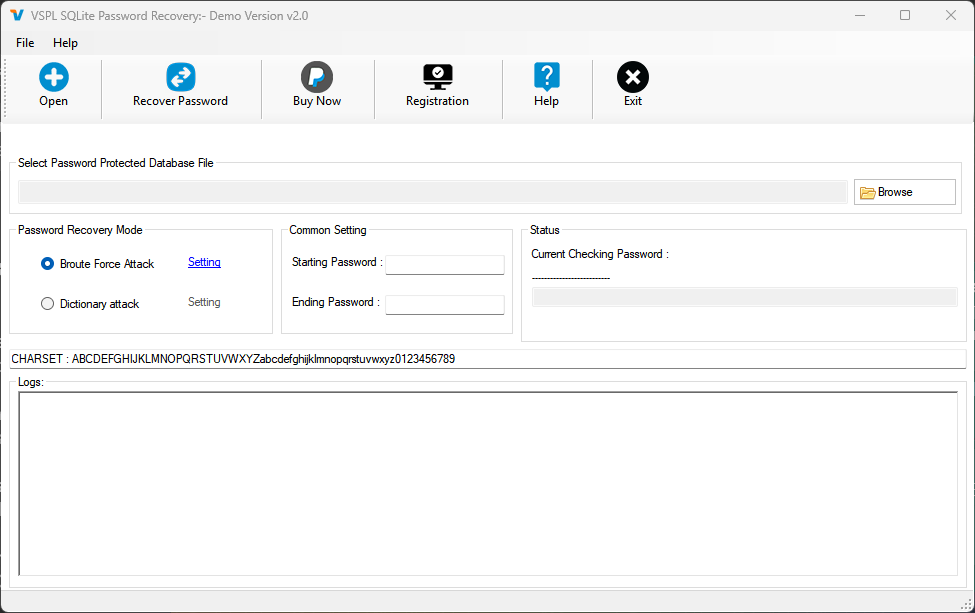
- User-Friendly Interface: The tool features an intuitive layout that simplifies the recovery process. Users can launch the application and navigate through clear, step-by-step instructions without requiring advanced technical knowledge.
- Multiple Attack Methods: It supports both Brute Force Attack and Dictionary Attack, allowing users to choose the most appropriate strategy based on their knowledge of the password. Brute Force attempts every possible combination, while Dictionary Attack uses predefined word lists for faster results when partial knowledge exists.
- Data Integrity Protection: A core principle of the tool is to ensure that the original database file remains untouched during recovery. This means users can safely attempt password recovery without risking data corruption or loss.
- Demo Version Availability: A limited demo version is provided, allowing users to test the tool’s ability to recover a 3-character password. This offers a risk-free way to evaluate performance before purchase.
- License Key Delivery: After purchase, users receive their license key via email within 15 minutes to 24 hours. For Microsoft Store purchases, submitting a receipt to support expedites the process.
These features are particularly beneficial in real-world scenarios such as recovering passwords for legacy applications, restoring data from archived projects, or troubleshooting development environments where password documentation was lost.
Interface, UX & Performance
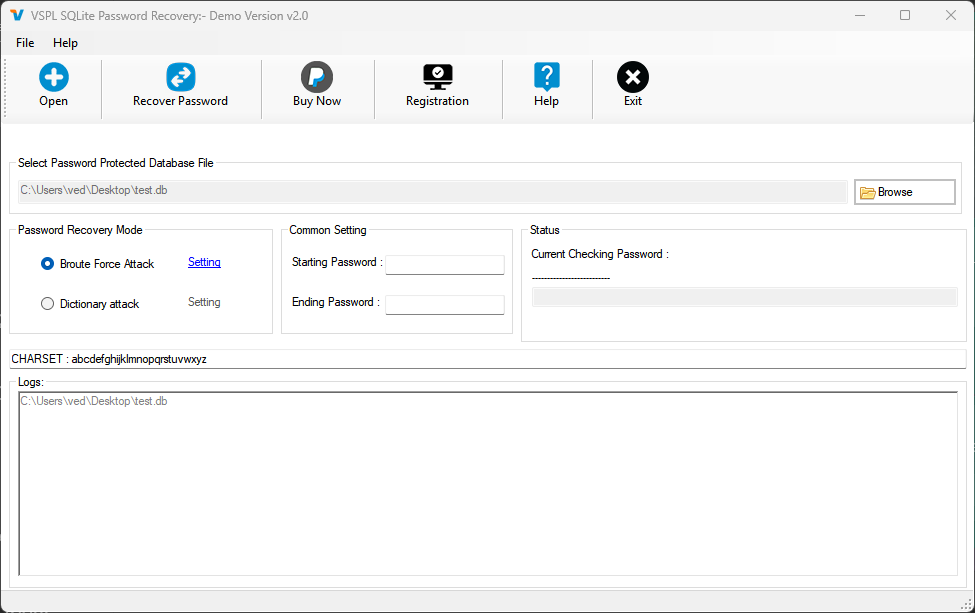
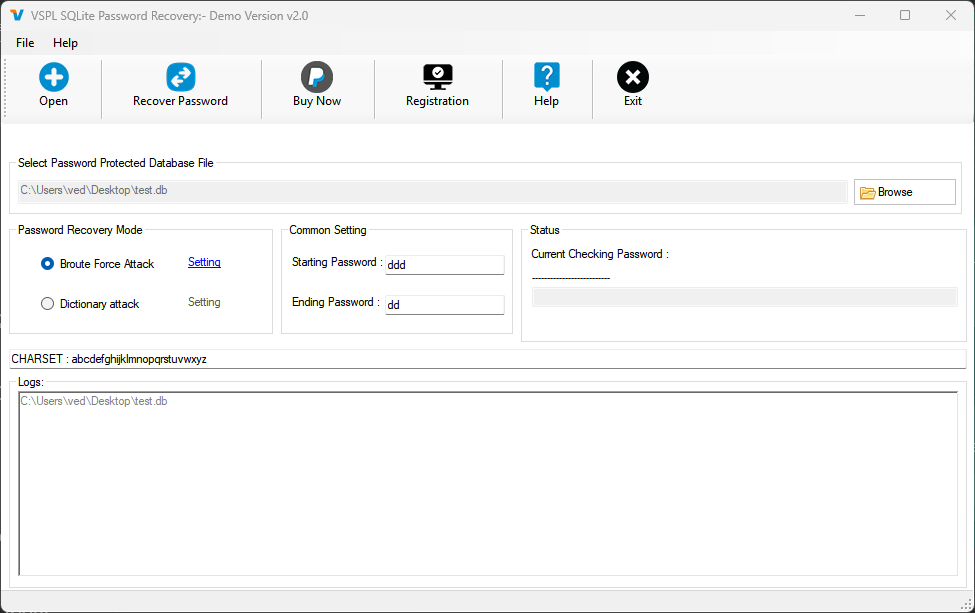
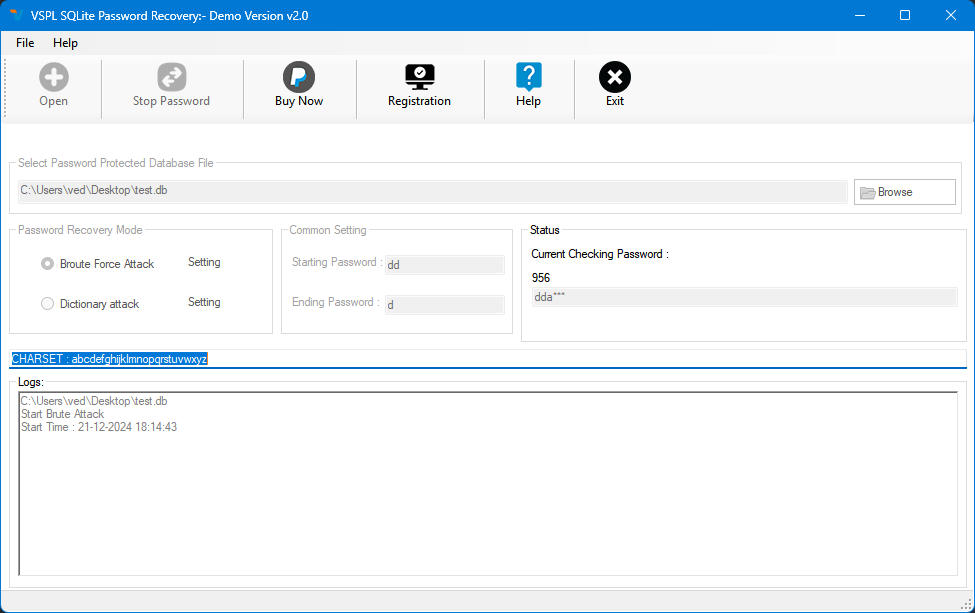
The user interface of SQLite Password Recovery is designed with clarity and efficiency in mind. Navigation is linear and well-structured, guiding users through the password recovery workflow without unnecessary complexity. Visual feedback is provided at each stage, helping users track progress and understand the current state of the process.
Although the developer did not list formal performance metrics, the tool is optimized for quick execution on standard desktop systems. It operates with minimal resource consumption, ensuring it does not interfere with other running applications. The interface remains responsive across different screen resolutions and device configurations.
Stability appears to be a priority, as the tool is designed to handle potentially large or complex database files without crashing. Users can expect consistent behavior during long-running operations, such as brute force attempts. The absence of reported crashes or freezes in the available documentation suggests a reliable execution environment.
Platform Compatibility & Technical Requirements
SQLite Password Recovery is designed for the Windows platform and requires a compatible version of the Windows operating system. The application has a file size of 1.5 MB, indicating a lightweight footprint that does not demand significant storage space.
Specific requirements were not listed, including minimum OS version, processor architecture, or RAM. The developer did not specify whether the tool supports older Windows versions or newer releases. Compatibility information was not fully disclosed, so users should verify system requirements through official channels before installation.
Pros and Cons
Pros
- Specialized tool for recovering passwords from encrypted SQLite databases
- Offers both Brute Force and Dictionary Attack methods for flexible recovery strategies
- Preserves original database integrity during recovery
- Includes a demo version to test functionality before purchase
- Fast license key delivery after purchase
Cons
- Platform limited to Windows; no information on macOS or Linux support
- Specific system requirements were not disclosed
- Price point of $49.95 may be considered high for occasional users
- Recovery time for complex passwords may be lengthy, especially with brute force
- No mention of cloud integration or automated backup features
FAQ
Is SQLite Password Recovery safe to use?
The tool is designed to recover passwords without modifying the original database file, ensuring data safety. It operates locally and does not transmit sensitive data over the internet.
Can I use this tool on macOS or Linux?
The developer did not specify support for macOS or Linux. The application is currently available for Windows only.
How long does it take to recover a password?
Recovery time depends on the password complexity and selected attack method. Simple passwords may be recovered quickly, while complex ones using brute force could take significantly longer.
Is there a free version available?
A limited demo version is available that can recover a 3-character password. The full version requires a purchase of $49.95.
How do I get my license key after buying?
License keys are delivered via email within 15 minutes to 24 hours. For Microsoft Store purchases, users should submit a receipt to support for faster processing.
Final Thoughts
SQLite Password Recovery stands out as a reliable and focused solution for users locked out of their encrypted SQLite databases. Its ability to recover passwords while maintaining data integrity makes it a valuable asset in technical workflows where data access is critical. The inclusion of both attack methods and a demo version enhances usability and trust.
While the price may be steep for casual users, professionals and developers who depend on SQLite databases will find the tool’s capabilities well worth the investment. Its lightweight design and straightforward interface further contribute to its practicality.
For anyone facing a locked SQLite database, this tool offers a secure, efficient, and proven recovery path. Download SQLite Password Recovery now.


